Shopify Internal Linking: Collection Hubs, Breadcrumbs and Mega Menus
Internal links tell Google which Shopify page answers which search. Here is how we structure collection hubs, breadcrumbs, mega menus and product links so money pages get found, crawled and ranked.

- Published
- Updated
- Read
- 7 min
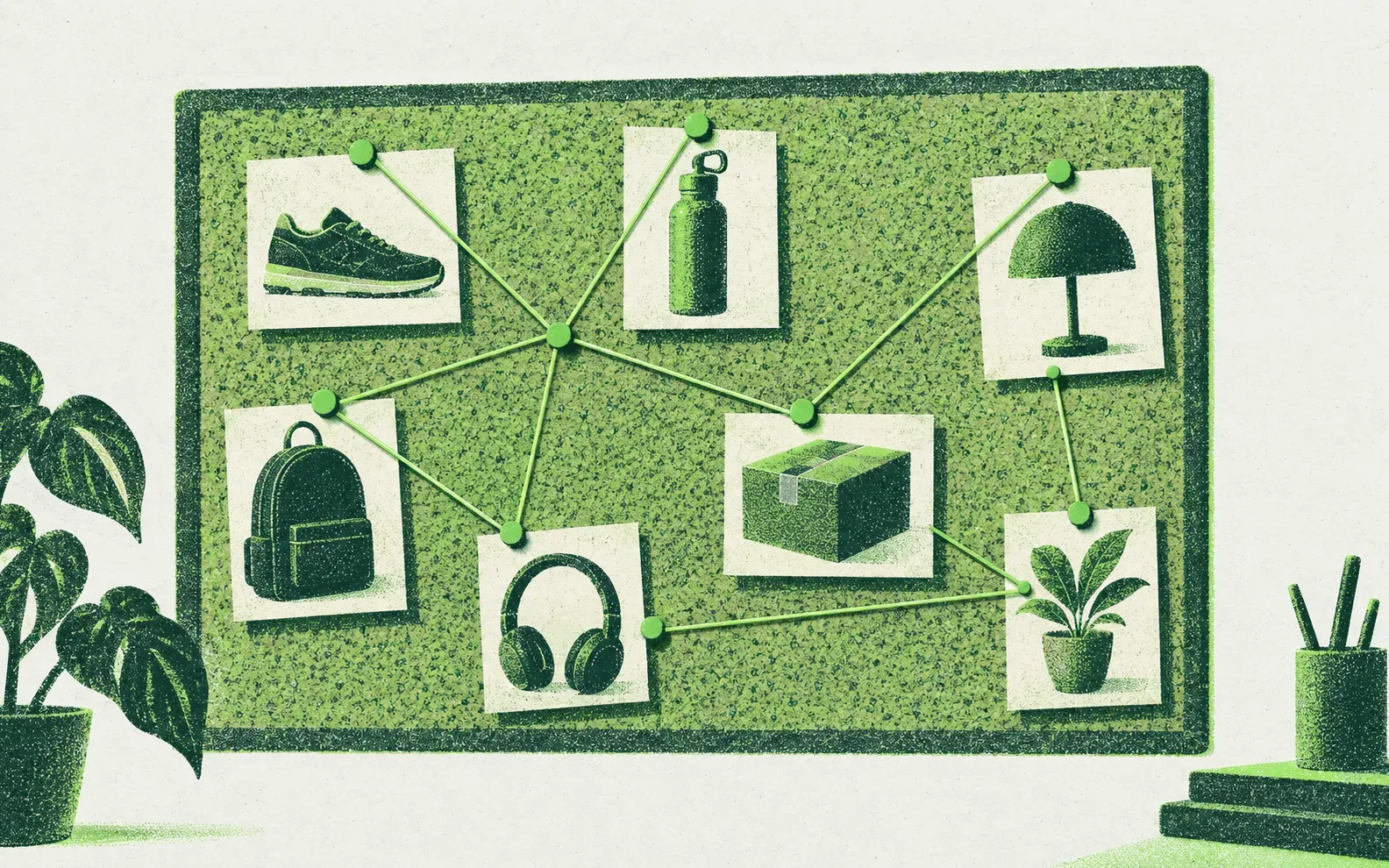
- Internal links are how you tell Google which page is the answer for which keyword; a collection with no internal links is an orphan, whatever its copy says.
- Build every parent collection as a hub with a crawlable "shop by" row linking to its child collections, and link children back up and across to siblings.
- Shopify's default robots.txt disallows /recommendations/products, so related-product sections loaded from that endpoint are unlikely to pass links Google can follow.
- Mega menus should carry your top money collections as plain <a href> links in the HTML, not every collection you have.
- On our engagements we add 500 to 3,000 internal links a month, because volume and descriptive anchor text are what move new collections from indexed to ranking.
Most Shopify stores link to their pages the way the theme decided on day one: a header menu, a footer, a collection grid and a related products carousel. That structure was designed to help shoppers navigate. It was never designed to tell Google which page should rank for which search.
Internal links do that job. Google's own link guidance puts it simply: "Every page you care about should have a link from at least one other page on your site." On a store with 300 collections and 5,000 products, the links you add on purpose decide which of those pages get crawled often, understood clearly and ranked.
How links flow on a typical Shopify store#
Before changing anything, map where your links come from. On most themes, it looks like this:
| Link source | Appears on | Links to | SEO value |
|---|---|---|---|
| Header menu | Every page | Top-level collections, a few pages | High, but limited space |
| Footer | Every page | Policies, about, some collections | Moderate, often wasted on policies |
| Collection product grid | Collection pages | Products | Essential for product discovery |
| Pagination | Collection pages | Page 2, 3, 4… | Products on deep pages get few links |
| Breadcrumbs | Products, collections (if the theme has them) | Parent collections | High, and descriptive |
| Related products | Product pages | Other products | Often invisible to Google (see below) |
| Blog posts | Articles | Whatever the writer linked | High when anchors are descriptive |
The gaps are almost always the same. Products link to nothing except other products. Collections link down to products but not across to sibling collections. Blog posts link to the homepage. And the collections you built to target specific keywords are only reachable through a filter or a search.
Collection hubs: the backbone#
A hub is a parent collection that links to every child collection under it. "Pool Tables" links to "8 ft Pool Tables", "Slate Pool Tables", "Outdoor Pool Tables" and "Convertible Dining Pool Tables". Each child links back to the hub and across to its siblings.
This does three things:
- Discovery. New child collections get crawled from the hub instead of waiting to be found in the sitemap.
- Context. Anchor text like "outdoor pool tables" tells Google exactly what the child page is about.
- Consolidation. The hub ranks for the broad term. The children rank for the specific ones. They stop competing.
A "shop by" row that doesn't need an app#
The simplest way to build hub links in Shopify is a menu per collection. Create a menu in Online Store → Navigation with the same handle as the collection (for example, a menu with the handle pool-tables), add the child collections, and render it above or below the product grid:
{%- comment -%} sections/main-collection-product-grid.liquid {%- endcomment -%}
{%- assign shop_by = linklists[collection.handle] -%}
{%- if shop_by.links.size > 0 -%}
  <nav class="collection-hub-links" aria-label="Shop {{ collection.title | escape }} by type">
    <h2>Shop {{ collection.title | escape }} by type</h2>
    <ul>
      {%- for link in shop_by.links -%}
        <li><a href="{{ link.url }}">{{ link.title | escape }}</a></li>
      {%- endfor -%}
    </ul>
  </nav>
{%- endif -%}
Merchandisers can then manage hub links in the admin without touching code. Shopify allows up to 1,000 menus per store, which is plenty for a menu per hub.
For how we decide which child collections to build in the first place, see Shopify collection page SEO.
Breadcrumbs: small links, big signal#
Breadcrumbs give every product and collection a descriptive link back to its parents. Many Shopify themes, including some of Shopify's free themes, don't ship a breadcrumb trail by default, so check yours before assuming it's there.
Two Shopify-specific problems to solve:
- Products have no single parent. A product can sit in ten collections, and its canonical URL is
/products/handle, which carries no collection context. If your breadcrumbs depend on the URL the visitor arrived from, Google sees a different trail (or none) depending on how it found the page. - Google wants the typical path, not the URL structure. Google's breadcrumb documentation recommends showing a typical user path to the page rather than mirroring the URL.
Our fix is a primary_collection metafield on each product (type: collection reference) that sets one consistent parent. The breadcrumb and its structured data both read from it:
{%- assign crumb = product.metafields.custom.primary_collection.value -%}
<nav class="breadcrumbs" aria-label="Breadcrumb">
  <a href="{{ routes.root_url }}">Home</a>
  {%- if crumb %} / <a href="{{ crumb.url }}">{{ crumb.title | escape }}</a>{% endif %}
  / <span aria-current="page">{{ product.title | escape }}</span>
</nav>
<script type="application/ld+json">
{
  "@context": "https://schema.org",
  "@type": "BreadcrumbList",
  "itemListElement": [
    { "@type": "ListItem", "position": 1, "name": "Home", "item": "{{ request.origin }}{{ routes.root_url }}" }
    {%- if crumb -%},
    { "@type": "ListItem", "position": 2, "name": {{ crumb.title | json }}, "item": "{{ request.origin }}{{ crumb.url }}" }
    {%- endif -%},
    { "@type": "ListItem", "position": {% if crumb %}3{% else %}2{% endif %}, "name": {{ product.title | json }} }
  ]
}
</script>
Set the metafield in bulk through the product CSV (metafield columns appear in the export once the definition exists). Point each product at the most specific collection that targets a real keyword, not the broadest one.
Mega menus: fewer, better links#
A mega menu is the most powerful link on the site because it appears on every page. That's also why stuffing it is a mistake. A menu with 300 links spreads that signal thin and tells Google nothing about which pages matter most.
Shopify menus support up to two levels of nested drop-downs below the top-level item, and up to 10,000 items per menu. The platform won't stop you from overdoing it.
What we put in a mega menu:
- Top-level categories (the hubs)
- The highest-value child collections by revenue and search volume, usually 4–8 per hub
- One or two buying guides where they help people choose (see high-ticket buying guides)
- Nothing else. Policies, blog archives and "new arrivals" go in the footer or nowhere.
Check that the menu is really in the HTML#
Google can only follow links that are <a> elements with an href. Some mega menu apps and custom themes load the drop-down content with JavaScript on hover. Google renders JavaScript, but hover events never fire during a crawl.
To check, open a page, view source (not the inspector) and search for the URL of a collection that only appears in the drop-down. If it's not in the source, run the page through URL Inspection in Search Console and look at the rendered HTML. If it's not there either, those menu links don't exist for Google.
Product pages: link up, not just sideways#
Product pages are where most stores waste links. The usual setup is a related products carousel, and on many themes that carousel is fetched from Shopify's recommendations endpoint after the page loads.
Here's the catch. Shopify's default robots.txt includes:
Disallow: /recommendations/products
Disallow: /*/recommendations/products
If Googlebot can't fetch the endpoint, the links inside it aren't likely to be seen during rendering. Treat recommendation carousels as a conversion feature, not an SEO one.
Build the SEO links separately, in server-rendered Liquid:
- The breadcrumb to the primary collection (above).
- A "More [collection]" link below the description: "See all 8 ft pool tables".
- Sibling links to other sizes or models, using a product reference list metafield. We show the code in our post on Shopify variants and separate URLs.
- Guide links from the product description to the buying guide that helps people choose.
Blog posts: the easiest links to add#
Articles are the only place on a Shopify store where you can add contextual links freely, and they carry the most descriptive anchors. Every guide should link to the collections and products it discusses, using the collection keyword as anchor text.
A post about "how much room you need for a pool table" should link to the 7 ft, 8 ft and 9 ft collections, with those exact phrases as anchors. A grilling guide should link to the built-in grills collection and to outdoor kitchen products. Then link back: each collection's supporting copy should link to the one or two guides that answer its buyers' questions.
Pagination and orphans#
Collections with hundreds of products paginate. A product that only appears on page 9 of a collection sits several clicks deep and gets crawled less often. Shopify paginated URLs like ?page=2 canonicalize to themselves, so they're crawlable, but depth still matters.
Fixes, in order of impact:
- Sort by best-selling so strong products sit on page one.
- Split large collections into child collections that each have fewer products.
- Link important products directly from guides, hubs and sibling links.
To find true orphans, compare a list of every product and collection URL (from your sitemap or a Shopify export) against the URLs a crawler finds by following links from the homepage. Anything in the first list and not the second has no internal links. It's common to find collections built for SEO that were never added anywhere.
Anchor text rules#
| Do | Don't |
|---|---|
| "compare our 8 ft slate pool tables" | "click here" |
| "outdoor barrel saunas" | "this collection" |
| Vary anchors naturally across pages | Use the exact same keyword anchor 200 times |
| Link where the reader would want to go next | Chain five links in one sentence |
Google's guidance asks for descriptive, concise anchor text and warns against keyword stuffing. Write anchors a shopper would understand out of context.
How many links is enough?#
There's no magic number, but scale matters more than most stores think. On our engagements we typically add 500 to 3,000 internal links a month across collections, products and articles. In our automotive accessories case study, thousands of internal links tied 360+ new pages together, and fixing broken internal links between market versions was part of the work.
Start with the pages that make money. For each money collection, confirm it has:
- a link from its hub
- links from at least two sibling collections
- a link from at least one guide, with a descriptive anchor
- a place in the mega menu if it's a top-10 revenue collection
A 30-day internal linking sprint#
| Week | Work |
|---|---|
| 1 | Crawl the store. List every collection and product with its internal link count. Flag orphans and money pages with fewer than five links. |
| 2 | Build hub menus and "shop by" rows for your top 10 parent collections. Trim the mega menu to hubs and money collections. |
| 3 | Add the primary collection metafield to every product and ship breadcrumbs with BreadcrumbList markup. |
| 4 | Go through your 20 most-visited blog posts and add descriptive links to the collections and products they discuss. Recrawl and compare link counts. |
Most of this is admin work, not development. The breadcrumb and hub snippets are the only theme changes, and both can be tested on a duplicate theme in an afternoon.
Then run the Shopify SEO checklist to catch the technical issues, such as the /collections/x/products/y links covered in Shopify duplicate content, that make internal links point at the wrong URLs.
Questions people ask about this
How do I add internal links to Shopify collection pages?
The simplest way is a menu per collection. Create a navigation menu with the same handle as the collection, add the child collections, and render it in the collection template with linklists[collection.handle]. You can also add links inside the collection description or a rich text metafield below the product grid. Use the target keyword of each linked collection as the anchor text.
Does Shopify have breadcrumbs by default?
It depends on the theme. Some themes include breadcrumbs, and some of Shopify's free themes do not. Because product URLs canonicalize to /products/handle with no collection context, we recommend a primary_collection metafield on each product so the breadcrumb and its BreadcrumbList structured data always show the same, most relevant parent collection.
Are Shopify related products links good for SEO?
Often not. Many themes load related products from Shopify's /recommendations/products endpoint after the page loads, and Shopify's default robots.txt disallows that path, so Google is unlikely to see those links. Keep the carousel for shoppers, and add server-rendered links to the primary collection, sibling products and buying guides for SEO.
How many links should a Shopify mega menu have?
Enough to reach your hubs and highest-value child collections, and no more. We usually include the top-level categories and 4 to 8 money collections under each. Shopify allows two nested levels and up to 10,000 items per menu, but a sitewide menu with hundreds of links dilutes the signal and makes navigation harder for shoppers.
Want this done on your store?
We build and optimize Shopify collection pages for every buyer keyword, around 20 a month, with copy, FAQs and internal links placed so they help conversion.
More from Collections & catalog
Shopify Metafields for SEO: Spec Tables, FAQs and Schema Without Another App
Shopify metafields store the product details your theme and Google need: specs, FAQs, schema properties, filters and even your SEO titles. This guide covers how to set them up and use them for SEO without adding another app.

What Is Your Shopify Blog Actually For? A Content Strategy That Sells
Most Shopify blogs are a list of posts nobody searches for. A blog that sells does five jobs: early traffic, links, internal links, conversion and authority. Here is how to plan, write and set one up on Shopify.

Shopify AI Product Descriptions: Writing 1,000+ Without Thin Content
Shopify Magic and description apps can draft 1,000 product descriptions in an afternoon. This is the workflow we use to make them accurate, distinct and useful: spec data first, tiered effort, and QA before anything goes live.